


Yes, laptops emit electromagnetic radiationElectromagnetic radiation (EMR) is energy that travels through space as waves of oscillating electric and magnetic fields. It includes everything from radio waves to visible light to gamma rays. All.... Unlike cell phones, which primarily emit RF radiation, laptops produce multiple types of EMFEMF stands for electromagnetic field (also called electromagnetic frequency or electromagnetic force). EMFs are invisible fields of energy produced by electrically charged objects. They exist on a spectrum ranging from...: radio frequency radiation from WiFi and Bluetooth, plus extremely low frequencyExtremely low frequency (ELF) refers to electromagnetic fields with frequencies between 3 Hz and 300 Hz. This range includes the 50/60 Hz fields produced by electrical power systems. ELF fields... (ELF) radiation from electrical components.
ELF emissions increase significantly when the laptop is plugged into AC power, and the combination of multiple EMF types, prolonged exposure, and direct body contact makes laptop radiation a meaningful concern.
What makes laptop EMF exposure significant isn’t just the radiation levels. It’s the combination of multiple EMF types, prolonged exposure duration, and direct body contact when used on your lap. The same usage patterns that cause toasted skin syndrome also deliver EMF exposure to your body.
Medical Disclaimer: This article is for informational purposes only. It is not, nor is it intended to be, a substitute for professional medical advice, diagnosis, or treatment and should never be relied upon for specific medical advice.
Key Takeaways
- Laptops emit both RF radiation (from WiFi/Bluetooth) and ELF radiation (from electrical components)
- ELF emissions can increase 10-fold or more when laptops are plugged into wall power
- Laptops used directly on the body expose reproductive organs, abdomen, and thighs to multiple EMF types simultaneously
- A 2012 study found that laptop WiFi radiation exposure affected sperm motility in just 4 hours
- Distance is your best protection: using a desk instead of your lap dramatically reduces exposure
Understanding Laptop Radiation
When people ask whether laptops emit radiation, they’re usually concerned about health effects. The short answer is yes, laptops emit electromagnetic radiation. But to understand what that means for your health, you need to know what types of radiation are involved.
Laptops differ from most other wireless devices because they emit multiple forms of EMF simultaneously. Your cell phone primarily emits RF radiation from its cellular antenna. Your laptop emits RF radiation AND significant ELF radiation from its electrical components.
This matters because research has examined both types independently. By using a laptop, especially directly on your body, you’re exposed to both simultaneously during the same session.
Types of Radiation Laptops Emit
Radio Frequency (RF) Radiation
RF radiation comes from your laptop’s wireless communication systems:
| Source | Frequency Range | When Active |
|---|---|---|
| WiFi | 2.4 GHz and 5 GHz | Whenever WiFi is enabled |
| Bluetooth | 2.4 GHz | When connected to wireless devices |
| Cellular (some models) | 700 MHz – 2.5 GHz | On cellular-enabled laptops |
WiFi antennas in laptops are designed to communicate with routers up to 150 feet away. That transmission power, directed through an antenna often located near the keyboard or screen hinge, creates RF fields that extend outward from the laptop.
When your laptop sits on your lap, parts of your body are within inches of these active antennas.
Extremely Low Frequency (ELF) Radiation
ELF radiation comes from the flow of electrical current through your laptop’s components:
| Source | ELF Generation |
|---|---|
| Processor (CPU) | Significant, varies with processing load |
| Graphics card | High during gaming or video |
| Power supply/charger | Substantial when plugged in |
| Battery | Moderate, especially during charging |
| Display | Low to moderate |
Unlike RF radiation, which you can disable by turning off WiFi and Bluetooth, ELF radiation is produced whenever the laptop is running. The electrical current flowing through circuits, processors, and power systems creates electromagnetic fields as a byproduct.
ELF emissions increase substantially when your laptop is plugged into AC power. The power supply converts alternating current from your wall outlet, creating additional electromagnetic fields. Studies have measured ELF increases of 10-fold or more when laptops switch from battery to AC power.
Heat (Thermal Radiation)
While not electromagnetic radiation in the traditional sense, the heat generated by laptops is a form of infrared radiation that affects your body. As discussed in our guide on toasted skin syndrome, this thermal energy can cause visible skin damage with repeated exposure.
The heat exposure accompanies your EMF exposure. The same sessions that deliver electromagnetic radiation to your body also deliver thermal energy to your skin and underlying tissues.
How Laptop Radiation Compares to Other Devices
Understanding relative exposure levels helps put laptop EMF in context.
Laptop vs. Cell Phone
| Factor | Laptop | Cell Phone |
|---|---|---|
| Primary EMF type | ELF + RF | RF (cellular) |
| Typical use distance | 0 inches (on lap) to 2 feet | 0 inches (at ear) to pocket |
| Session duration | Hours | Minutes to hours |
| Body area exposed | Lap, abdomen, reproductive organs | Head, hand, pocket area |
| ELF when plugged in | High | Minimal (rarely used while charging) |
Cell phones emit more intense RF radiation during calls because cellular antennas must reach towers miles away. However, laptop exposure often involves longer duration and larger body surface area, plus the addition of significant ELF radiation.
Laptop vs. Desktop Computer
Desktop computers emit similar types of EMF but are positioned farther from your body. The tower sits under or beside your desk, and you interact through separate keyboard and monitor. This built-in distance dramatically reduces your exposure compared to laptop use.
Laptop vs. Tablet
Tablets emit similar types of radiation but generally at lower levels because they have less powerful processors and fewer internal components. However, tablets are often held even closer to the body, particularly by children, which can offset the lower emission levels.
When Laptop Radiation Exposure is Highest
Your EMF exposure from laptops varies significantly based on how you use the device.
Highest Exposure Scenarios
Plugged into AC power while on your lap: This combines maximum ELF emissions (from AC power) with minimum distance (direct body contact). It’s the highest-exposure scenario for laptop use.
Active WiFi during intensive tasks: Video conferencing, streaming, and large downloads require sustained WiFi transmission, increasing RF exposure.
Gaming sessions: High processor and graphics card usage generates both more heat and more ELF radiation, often during extended sessions.
Laptop positioned over reproductive organs: The proximity to sensitive tissues makes this positioning particularly concerning, especially given research on EMF and fertility.
Lower Exposure Scenarios
Battery power on a desk: Lower ELF emissions and greater distance from your body.
WiFi and Bluetooth disabled: Eliminates RF radiation entirely, leaving only ELF.
Short sessions with breaks: Limits cumulative exposure.
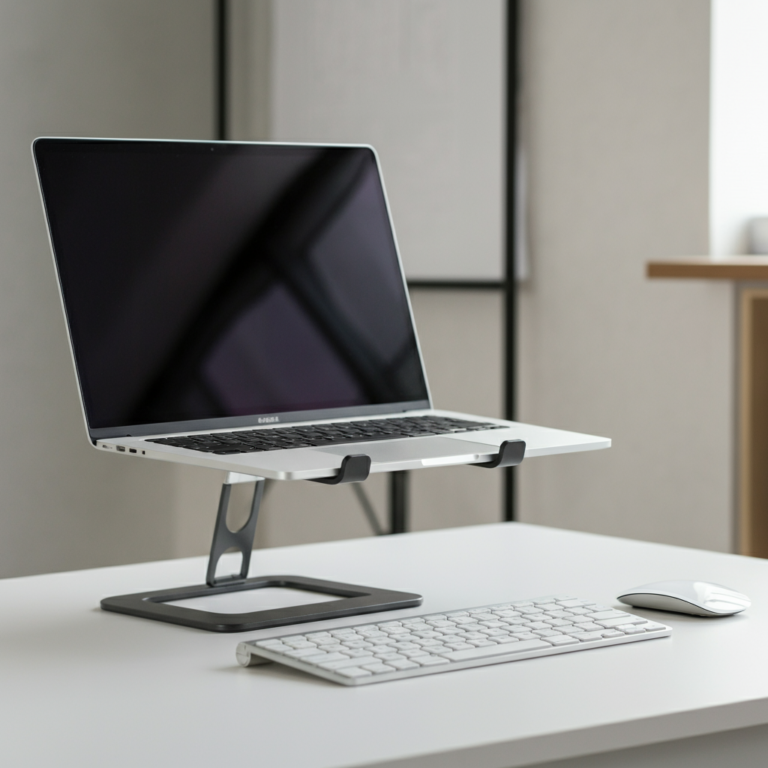
External keyboard and mouse with laptop positioned away: Maintains the convenience of your laptop while creating distance from the EMF source.
Potential Health Concerns from Laptop Radiation
Research has examined several health effects potentially related to laptop EMF exposure.

Male Fertility
A 2012 study published in Fertility and Sterility examined the effects of laptop WiFi exposure on human sperm. Researchers exposed sperm samples to WiFi radiation from a laptop for 4 hours and found:
- Decreased sperm motility (movement)
- Increased sperm DNA fragmentation
- These effects occurred even without the heat component
The concern intensifies with typical laptop-on-lap use, where both EMF and heat affect the reproductive area simultaneously. Scrotal temperature is tightly regulated for optimal sperm production, and both laptop heat and potential EMF effects may compound each other.
ELF Radiation and Health
The World Health Organization’s International Agency for Research on Cancer (IARC) classifies ELF-EMF as a Group 2B “possible carcinogen” based primarily on studies linking ELF exposure to childhood leukemia.
While laptop ELF exposure differs from the power line exposure studied in those research programs, the biological mechanisms remain relevant. ELF radiation from any source can induce currents in body tissues and potentially affect cellular processes.
General EMF Exposure
The broader research on EMF exposure shows a range of biological effects at non-thermal levels, including:
- Effects on cell membrane function
- Changes in calcium signaling
- Oxidative stress responses
- DNA strand breaks in laboratory studies
Whether these laboratory findings translate to health effects at typical laptop exposure levels remains an active area of research. The precautionary approach suggests minimizing unnecessary exposure while the science continues to develop.
How to Reduce Laptop Radiation Exposure
Reducing your laptop EMF exposure doesn’t require giving up your computer. Simple changes in how you use your laptop can significantly reduce your exposure.
If you want to measure your laptop’s emissions before and after implementing these strategies, consider using one of the best EMF detectors available to quantify your exposure levels.

Behavioral Changes (Free and Effective)
Use your laptop on a desk or table, not your lap. This single change addresses both EMF and heat exposure. Even moving the laptop from your lap to a table creates meaningful distance from your body.
Unplug when possible. Battery operation produces significantly less ELF radiation than AC power. If you’re doing light work and your battery is charged, running unplugged reduces your exposure.
Disable WiFi when not needed. If you’re working offline on documents, turning off WiFi eliminates RF emissions entirely. This also saves battery life.
Use airplane mode for intensive offline work. This disables all wireless transmitters, leaving only the unavoidable ELF from electrical components.
Take regular breaks. Cumulative exposure matters. Periodic breaks reduce your total daily exposure.
Use external peripherals. A wired external keyboard and mouse let you position the laptop farther from your body while maintaining full functionality.
Protection Products
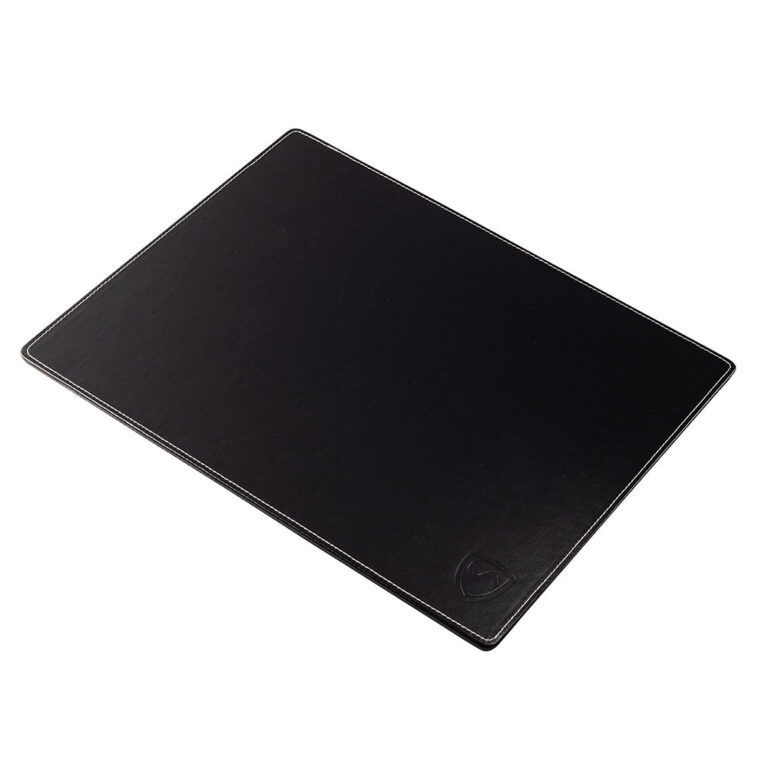
When laptop-on-lap use is unavoidable, a laptop EMF protection pad can reduce exposure. Quality laptop pads incorporate shielding materials that block both ELF and RF radiation from the laptop’s underside, while also providing heat protection.
Look for products with documented testing that demonstrates shielding effectiveness. The best laptop pads address the complete exposure profile, not just one type of radiation.
The Bottom Line
Laptops emit multiple types of electromagnetic radiation: RF from wireless connections and ELF from electrical components. This exposure increases significantly when laptops are plugged into AC power and used directly on your body.
The research on laptop EMF effects, while still developing, shows measurable biological impacts in certain studies. Male fertility research, in particular, has found effects from laptop WiFi exposure independent of heat.
Reducing your exposure doesn’t require abandoning your laptop. Using a desk instead of your lap, unplugging when possible, and disabling WiFi when not needed are simple changes that meaningfully reduce your exposure. For situations where lap use is unavoidable, protective products can provide an additional safety margin.
Your laptop is a tool. How you use it determines your exposure level. Small adjustments in your habits can make a significant difference in your daily EMF exposure without compromising your productivity.
Common Misconceptions
Misconception: Laptop radiation is too weak to matter. Reality: While individual emission levels may be modest, the combination of multiple EMF types, prolonged exposure sessions, and direct body contact creates meaningful cumulative exposure. The same intensity that seems minor in isolation becomes significant over hours of daily use.
Misconception: Turning off WiFi eliminates laptop radiation. Reality: Disabling WiFi eliminates RF emissions, but your laptop still produces ELF radiation from electrical components whenever it’s running. ELF emissions are actually higher when plugged into AC power, regardless of WiFi status.
Misconception: Newer laptops are safer than older ones. Reality: Modern laptops often have more powerful processors and additional wireless features (faster WiFi, Bluetooth 5.0) that can increase emissions in some ways. Better shielding may offset this partially, but there’s no inherent safety improvement in newer models.
Misconception: Laptop radiation only matters if you use it on your lap. Reality: While lap use creates the closest exposure, EMF extends outward from the laptop. Using it on a desk directly in front of you still creates exposure to your hands, arms, and torso, just at lower levels than direct body contact.
Misconception: If laptop radiation were dangerous, they wouldn’t be allowed to sell them. Reality: Safety regulations for electronics focus on preventing immediate thermal damage, not long-term effects from chronic low-level exposure. Products that meet these thermal limits are legal regardless of potential non-thermal biological effects.
Frequently Asked Questions
Yes, laptops emit electromagnetic radiation, including radio frequency (RF) radiation from WiFi and Bluetooth, as well as extremely low frequency (ELF) radiation from electrical components.
Using a laptop on your lap exposes your reproductive organs and abdomen to multiple types of EMF simultaneously, increasing overall exposure, especially when the laptop is plugged into AC power.
Research has linked laptop EMF exposure to potential health effects, including decreased sperm motility and possible carcinogenic effects from ELF radiation.
To reduce exposure, use your laptop on a desk instead of your lap, unplug it when possible, disable WiFi when not needed, and take regular breaks.
Not necessarily; newer laptops often have more powerful processors and additional wireless features that can increase emissions, and there's no inherent safety improvement in newer models.